Turn Images into CAD-Ready DXF
Over 480,000 engineers and makers rely on Make Me PDF for production-ready DXF conversions


or
Size up to 250 MB
Size up to 250 MB
How to convert Image to DXF
Quick and easy PDF conversion in a few steps.
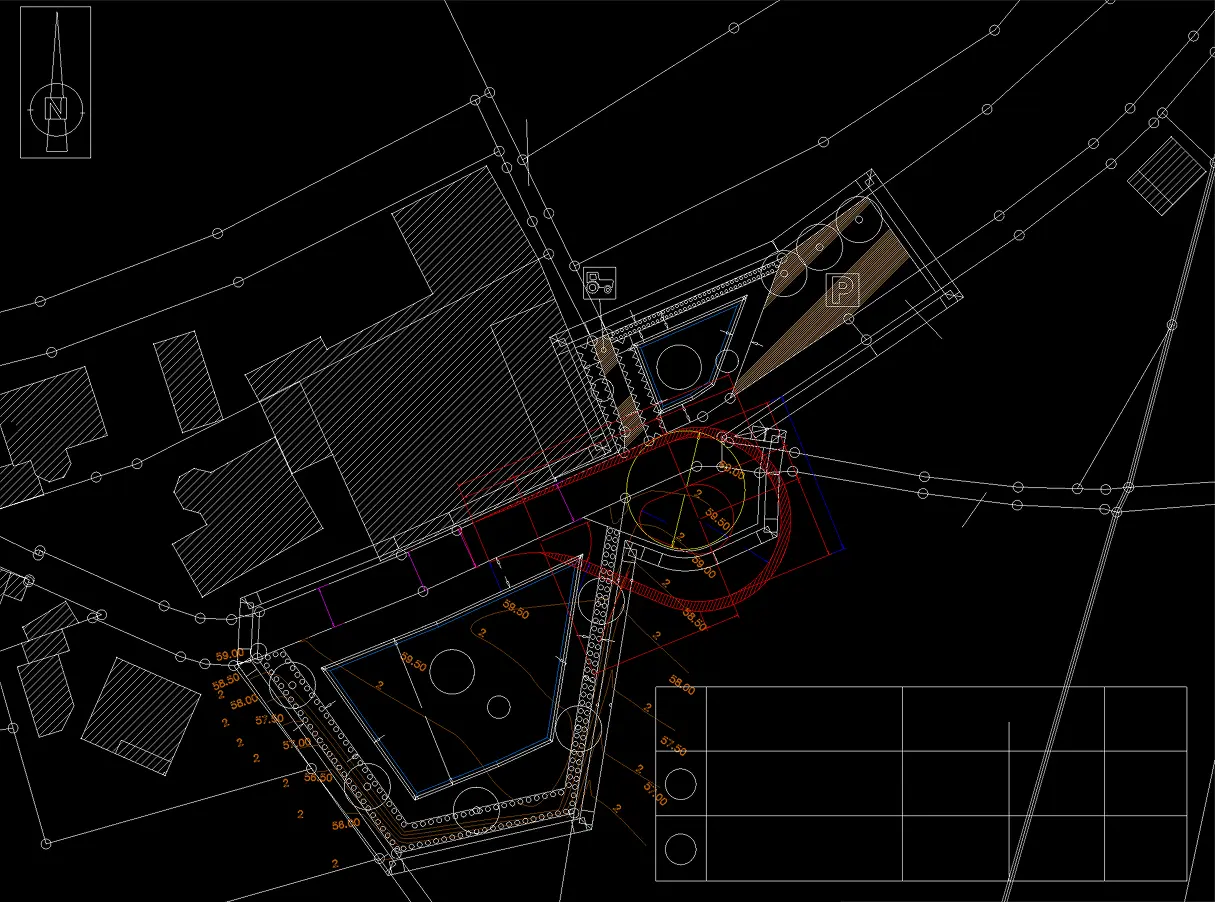
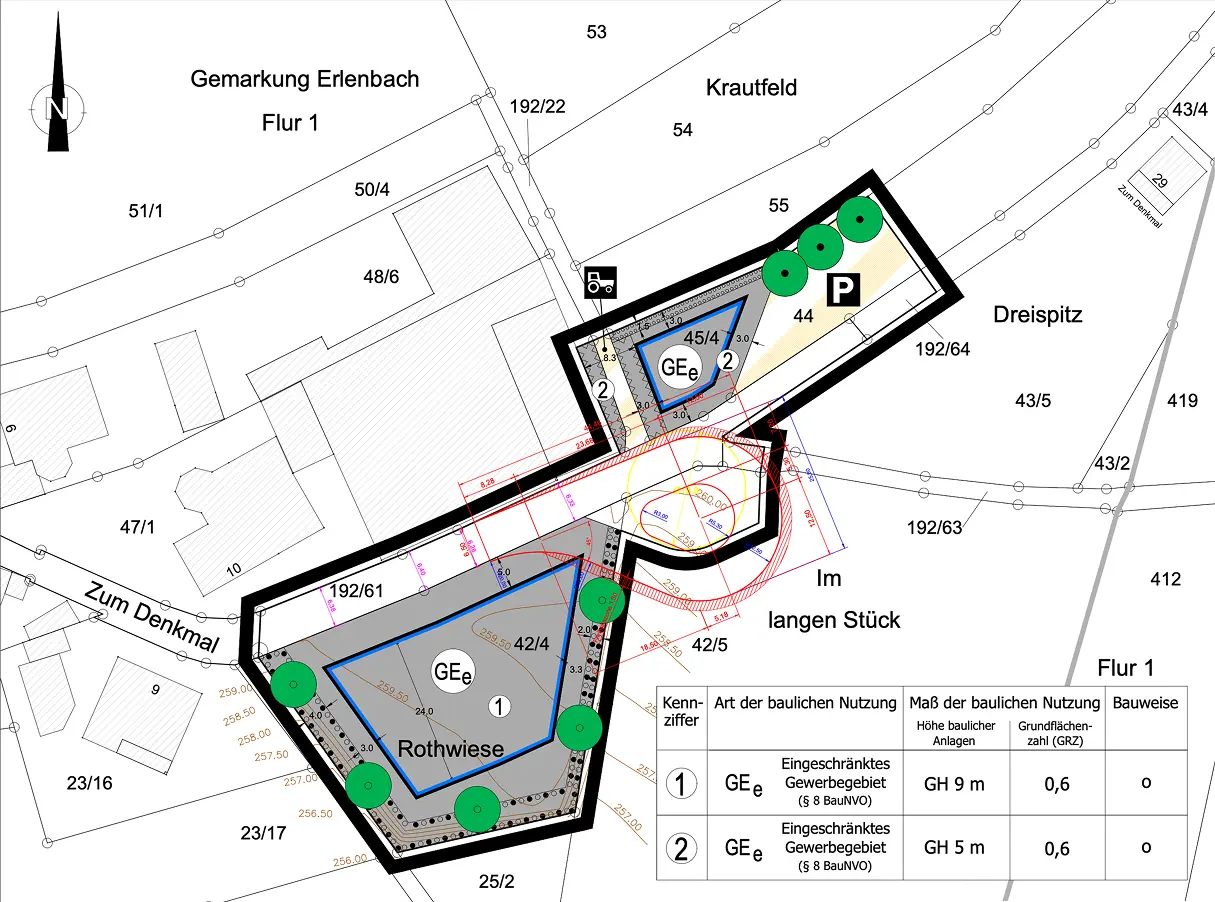
See the Results for Yourself
Compare the original files with the converted version to see the quality.
Trusted by People Like You
See how our fellow users feel about our Image to DXF converter.


Trusted and Secured by Industry Experts





What makes our Image to DXF tool exceptional
From documents to images—convert your PDFs however you need.
One-Click CAD Conversion
No manual tracing needed. Make Me PDF analyzes your image, detects every shape, and generates precise DXF paths automatically. From bitmap to CAD in seconds.
Machine-Perfect Precision
Every cut counts. Our engine captures contours with sub-pixel accuracy, creating paths your CNC and laser cutter will execute flawlessly.
Clean, Optimized Paths
No messy nodes or redundant points. Make Me PDF places control points intelligently for smooth curves that machines love and CAD software handles effortlessly.
True Vector Tracing
We don't embed bitmaps — we trace real geometry. Get genuine DXF vectors ready for AutoCAD, Fusion 360, laser engraving, and CNC routing.
Full-Color Recognition
Complex logos, detailed artwork, intricate designs — Make Me PDF identifies color boundaries and converts them into separate, workable layers.
Secure & Private
Your designs stay yours. HTTPS encryption, isolated processing, and automatic deletion within 24 hours. Total confidentiality guaranteed.
Try our Image to DXF converter tool
Quick and easy conversions in a few steps
Convert Image to DXF
 4.61,340 reviews
 4.513,920 reviews
 4.64,550 reviews
Frequently Asked Questions
Find quick answers to questions about getting the most out of our tool.