Up to 30 images, one PDF
Merge Images Online
Turn a scattered pile of photos into one tidy file, arranged exactly how you want it.
or
Size up to 250 MB
Size up to 250 MB
Mix JPG, PNG, PDF, HEIC, WebP, BMP, TIFF & more in one file



Your photos
- 1
- 2
- 3
- 4
One PDF, in your order
- Mix Any Formats
- Drag-to-Reorder
- Full Quality Kept
How to Merge Images Online
- 1
Drop Your Photos
Upload or drag & drop your images — JPG, PNG, HEIC, WEBP and plenty more, all in one go.
JPG · HEIC · PNG · WEBP
- 2
Set the Order
Shuffle your photos into the sequence you want, then hit merge. Make Me PDF handles the rest.
1234
- 3
Grab Your File
Download your combined file instantly — it's also waiting in your Make Me PDF account.
summer-trip.pdf4 pages
Drag photos into the right order
Move pages around until the story reads right. Swap, shuffle or rotate — nothing is final until you hit merge.
Merge Images NowOne PDF for every pile of photos
Whatever you snapped, send it as a single file.
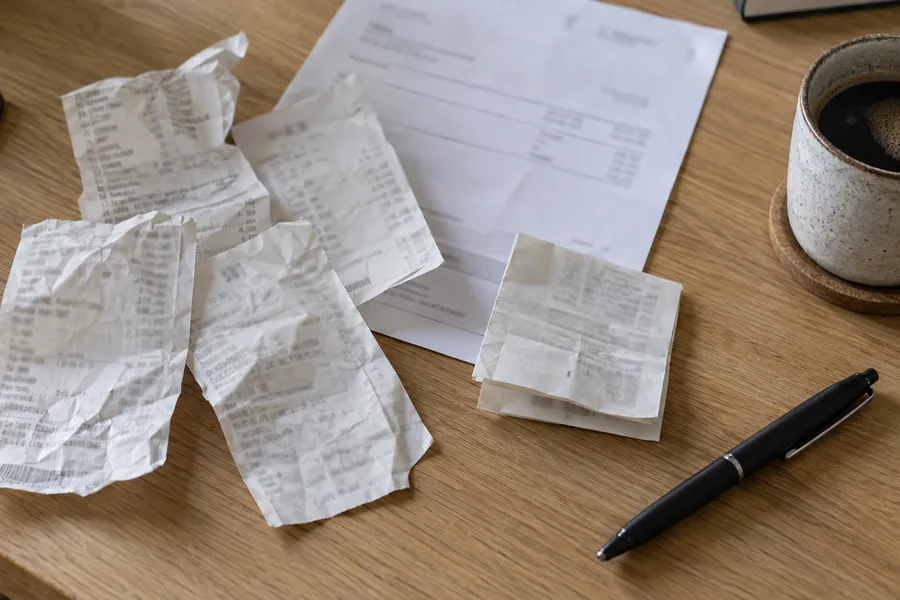
Receipts & invoices
Snap them, merge them, and send accounting one tidy file.
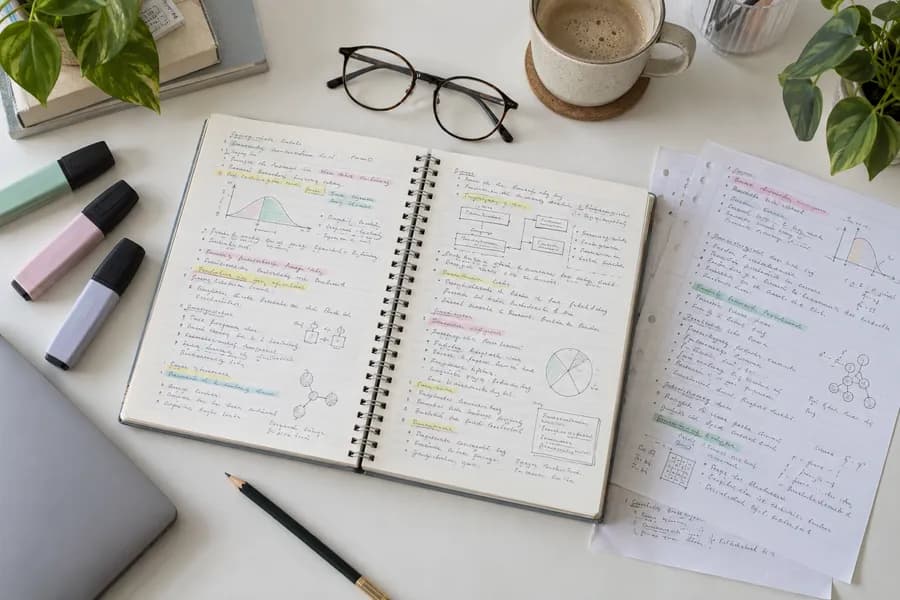
Notes & homework
Turn photographed pages into one PDF that’s ready to hand in.
Trips & photo albums
Share the whole trip as one file, not thirty attachments.
Why choose our tool to Merge Images
Every Format Welcome
JPG, PNG, HEIC, WEBP, BMP, TIFF — throw them all in together. Make Me PDF sorts out the formats so you don't have to convert a thing first.
Your Order, Your Call
Drag photos around until the sequence feels right. Changed your mind halfway? Reshuffle and merge again in a couple of clicks.
Merged in Seconds
No waiting around, no software to install. Upload your batch, and your single file is ready before your coffee cools.
Nothing Gets Squashed
Every photo lands at its original sharpness. Make Me PDF combines your images without quietly compressing them into mush.
See It Before You Save
Preview the running order before you commit, so nothing shows up upside down or out of place in the final file.
Safe and Always Handy
Encrypted uploads, secure servers, and a copy kept in your Make Me PDF dashboard — open it again from any device, whenever you need it.
Trusted by People Like You
See how our fellow users Merge Images with Make Me PDF.


Trusted and Secured by Industry Experts





Merge Images documents online
Quick and easy, no software required
Merge Images Now
 4.61,340 reviews
 4.513,920 reviews
 4.64,550 reviews
Frequently Asked Questions
Find quick answers to questions about getting the most out of our tool.