Compress PDF Online
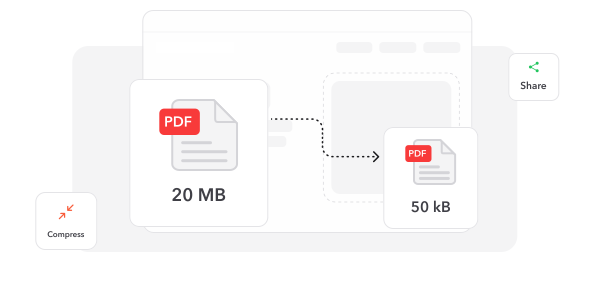
Shrink your PDF for email and uploads, and keep it looking sharp.


or
Size up to 250 MB
Size up to 250 MB
How to Compress PDF Online
Quick and easy PDF editing in a few steps.
Trusted by People Like You
See how our fellow users Compress PDF with Make Me PDF.


Trusted and Secured by Industry Experts



Why choose our tool to Compress PDF
Sharp After Compression
Text stays crisp and layouts stay put, while the file gets much lighter.
Done in Seconds
Most files are compressed in moments, so you can send them right away.
Free Up Storage
Smaller PDFs take less room on your phone, laptop and cloud drive.
Works on Any Device
Compress PDFs on your phone, tablet or computer, in any modern browser — nothing to install.
Beat Attachment Limits
Get under email attachment limits and upload caps on forms and portals.
Private and Protected
Your files travel over an encrypted connection and stay private to your account.
Compress PDF documents online
Quick and easy, no software required
Compress PDF Now
 4.61,340 reviews
 4.513,920 reviews
 4.64,550 reviews
Frequently Asked Questions
Find quick answers to questions about getting the most out of our tool.