檔案大小最多縮減 85%
線上壓縮圖片
在數秒內縮小檔案大小,同時保持照片清晰 — 可一次上傳多張圖片,無限制。
將一個或多個檔案拖放到這裡
或
大小最高 250 MB
大小最高 250 MB
支援 JPG、PNG、WebP、HEIC、AVIF、GIF、BMP 和 TIFF

原始8.4 MB
已壓縮2.2 MB−74%
- 無限批次上傳
- 智慧保留品質
- 即時處理
18,243 則評論
如何線上壓縮圖片
- 1
上傳圖片
拖放任意數量的 JPG、PNG 或 HEIC 檔案,以及更多其他格式,無限制。
IMG_2048.jpg8.4 MB
- 2
我們進行壓縮
Make Me PDF 會快速縮小批次中的每張圖片,同時保持清晰。
8.4 MB2.2 MB−74%
- 3
下載
取得輕量化圖片 — 全部會直接儲存到你的 Make Me PDF 帳戶。
IMG_2048.jpg2.2 MB
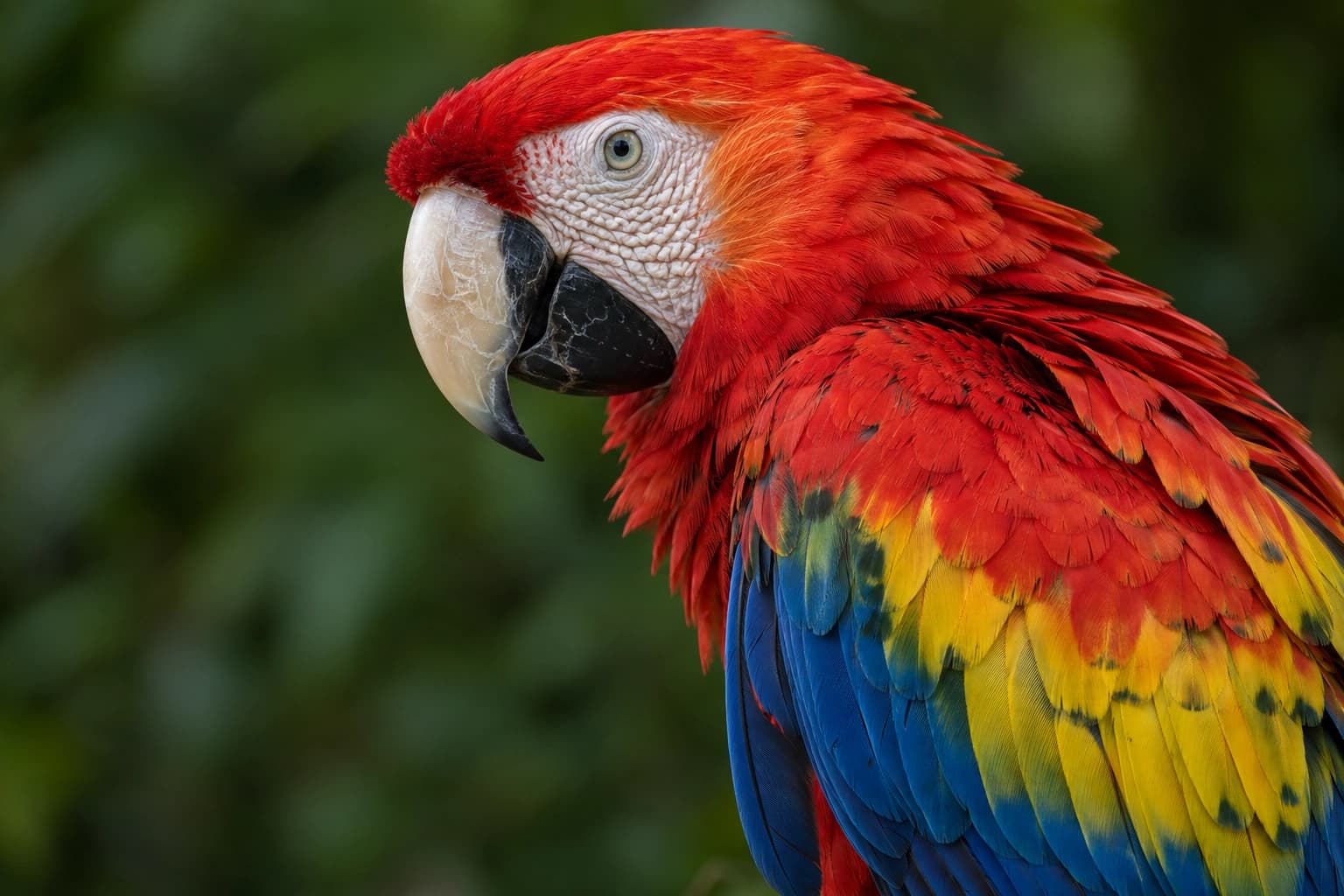
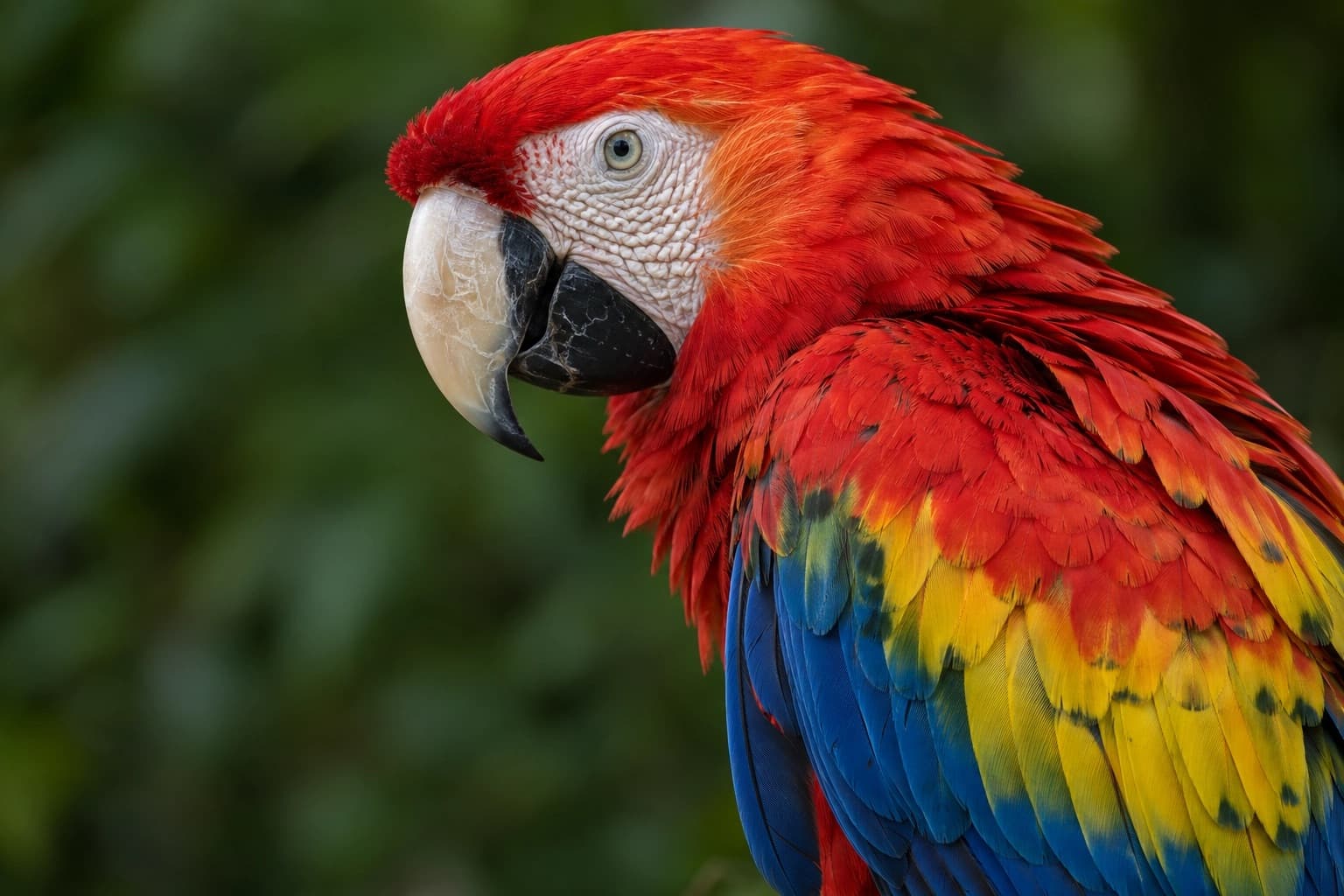
檔案更小,照片依舊。
我們把兩個檔案都放大了。壓縮後的檔案輕了 74%——每一根羽毛都還在。
為何選擇我們的工具來壓縮圖片
釋放你的空間
龐大的照片庫正在吃掉你的儲存空間?Make Me PDF 會替圖片瘦身,讓你的手機和筆電終於能喘口氣。
清晰,不將就
不模糊、不糊成一片。我們的智慧壓縮能減輕檔案重量,同時保留每個清晰細節 — 讓你的照片依然呈現最佳效果。
快速分享
較小的檔案能更快透過電子郵件、聊天和雲端上傳傳送。每次都能避開惱人的「檔案太大」警告。
大量壓縮
一張或一百張 — Make Me PDF 都能一次全部壓縮,沒有檔案數量限制。放入整批圖片,數秒內完成。
儲存並同步
壓縮後的照片會安全存入你的 Make Me PDF 帳戶,隨時可從任何裝置取得。
私密且受保護
加密上傳、安全伺服器與自動刪除檔案。你的圖片永遠只屬於你。
深受像您一樣的使用者信賴
看看其他使用者如何使用 Make Me PDF 壓縮圖片。

12月16日
救回我的手機儲存空間!
我的相簿快滿了。幾分鐘內壓縮完整批照片,釋放了超多空間。照片看起來還是很棒!


林郁婷
12月9日
快速又省事
我需要寄出檔案太大的照片。Make Me PDF 立刻把它們縮小,馬上就寄出去了。超簡單!

吳宜蓁
11月27日
真的沒有品質損失
原本很確定圖片會變模糊。結果沒有 — 仍然清晰乾淨,只是小很多。真的讓人印象深刻。

老洪
2361 人今天已編輯圖片
@mia**
21 分鐘前
@dan***
15 分鐘前
@tom**
5 分鐘前
信賴與安全保障來自 業界專家








常見問題
快速找到關於充分運用我們工具的問題解答。